
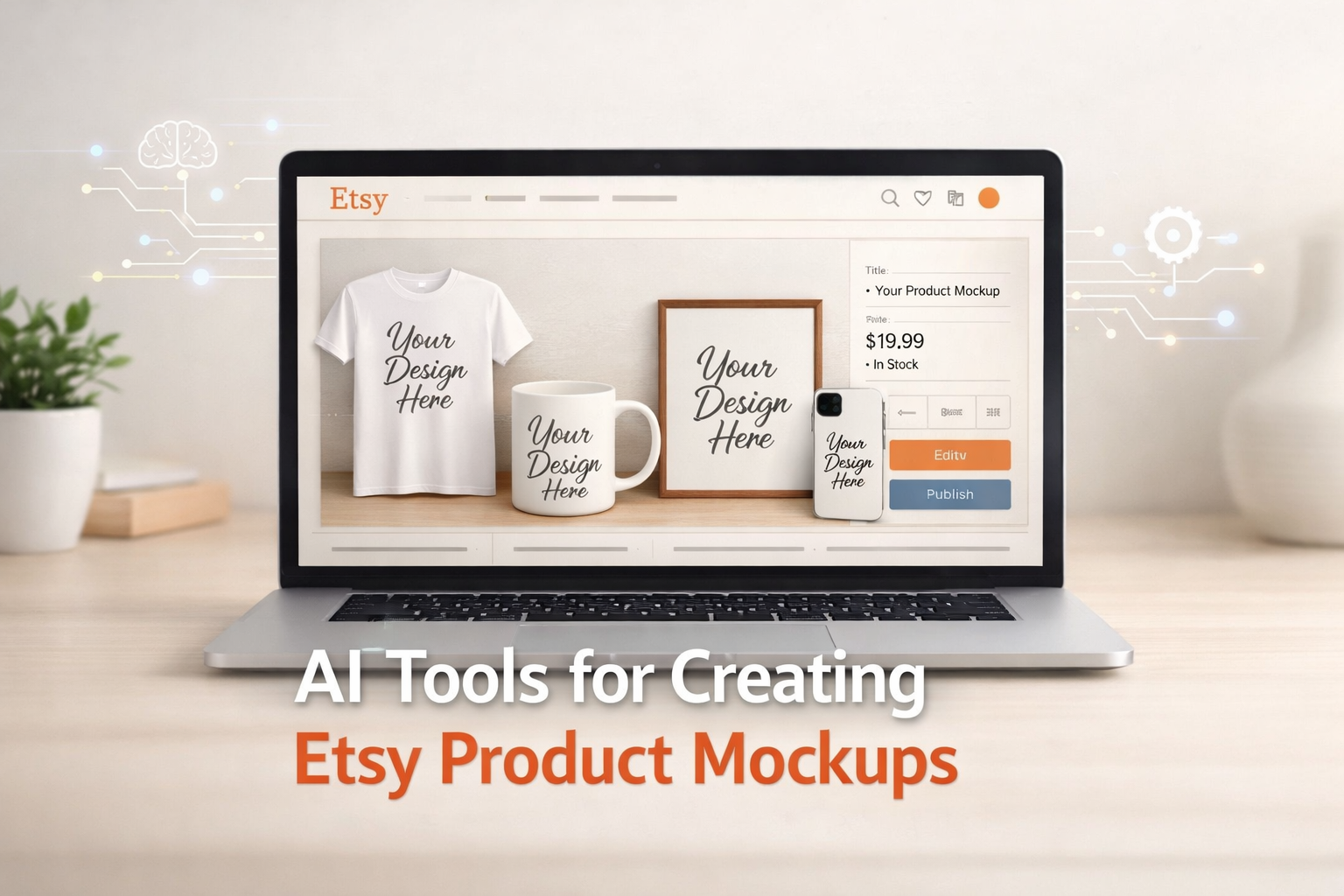
AI Tools for Creating Etsy Product Mockups: The Complete 2026 Guide
AI tools for creating Etsy product mockups have become essential for sellers who want to stand out in an increasingly visual marketplace. If you’re selling on Etsy, you already know that product images make or break your listings. According to research on product photography, 87% of consumers cite visual appearance as the key factor in purchasing decisions. Professional Etsy mockup tools are now crucial for building trust and driving sales without wasting time or budget.
But the truth is, not all AI tools for creating Etsy product mockups are created equal. Some are slow and clunky. Others are overpriced for what they actually deliver. Many Etsy sellers struggle to know where to start when producing professional mockups that look realistic enough to boost conversions. This is where the right AI mockup tools for Etsy listings come in. They offer a faster, smarter, and more affordable solution for creating eye-catching visuals.
After testing the best AI tools for creating Etsy product mockups available in 2026, several platforms have proven to deliver consistent, high-quality results. Whether you’re printing t-shirts, selling digital art, or offering personalized phone cases, these AI-powered Etsy mockups can help you create professional product images in minutes. They fit easily into your workflow and budget. For sellers looking to boost their visual branding and scale efficiently, tools like Smartmockups, Placeit, and Canva are among the top options to consider.
Want to make your Etsy listings stand out faster? Explore Hisellit for expert e-commerce insights, tools, and automation strategies designed to help creative sellers scale smarter.
Why Etsy Sellers Need Product Mockups (And Why AI Changes the Game)
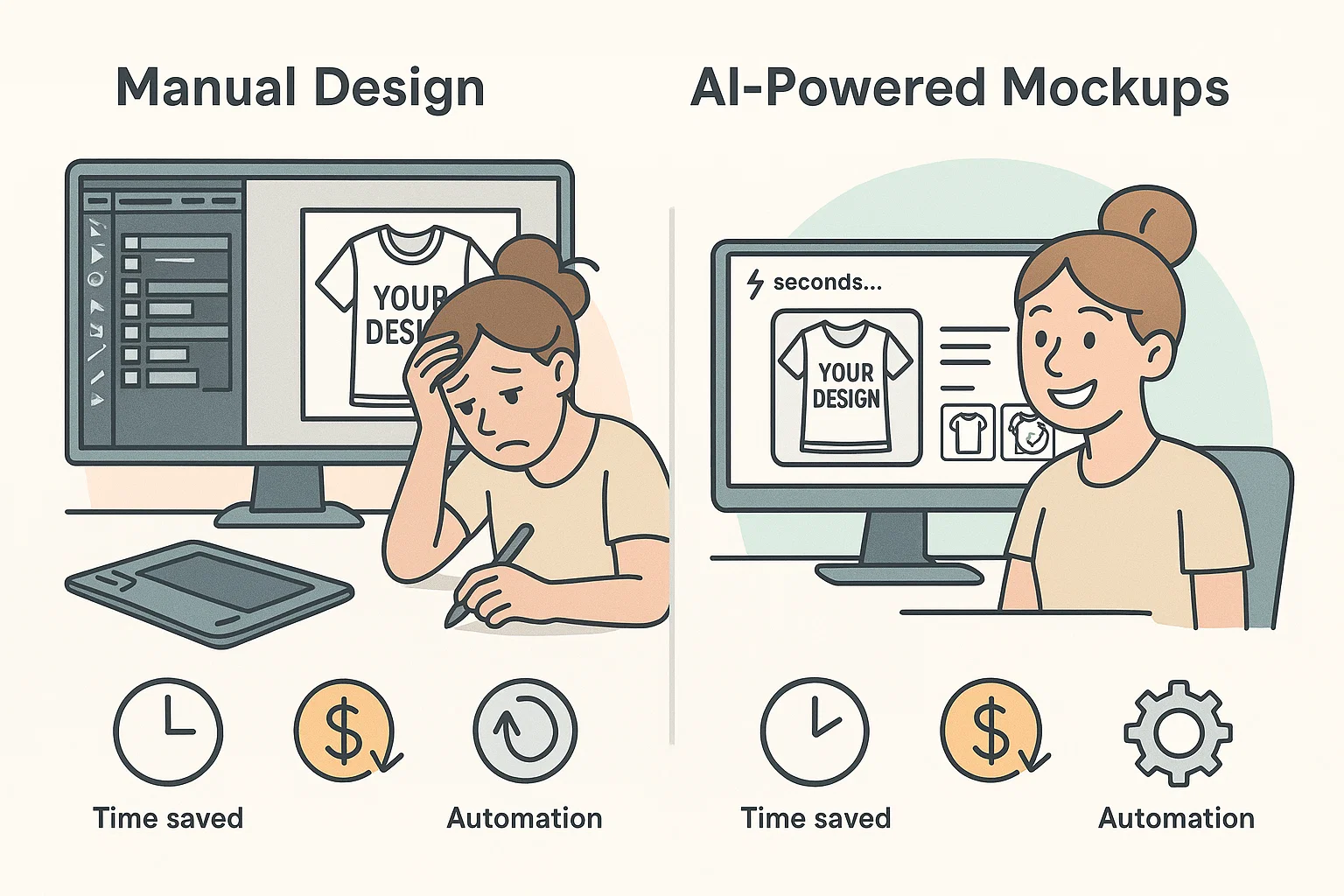
Creating Etsy product mockups manually once meant hiring a designer or spending hours learning complicated software like Photoshop. Sellers had to deal with layers, shadows, and templates just to get one realistic product image. For many small Etsy shops, the time and financial investment made it nearly impossible to compete with bigger brands that had full design teams.
This is where AI tools for creating Etsy product mockups completely change the game. Automated mockup generators transform what was once a lengthy, manual process into a straightforward upload-and-click workflow. You just upload your product design, choose a mockup template, and within a few seconds, you get a professional, high-resolution image ready to list on your Etsy shop. It’s fast, consistent, and surprisingly accurate in showing how the product would look in real life.
The biggest advantage of AI tools for creating Etsy product mockups is scalability. Imagine having 50 product designs spread across 10 different categories. Doing that manually would take days. AI-based Etsy mockup generators can batch-process multiple files. At the same time, you focus on other key areas of your business, like optimizing your listings or improving your Etsy product descriptions to convert more buyers. The result is a more efficient workflow, faster uploads, and a shop that looks professional across every listing.
The Top AI Tools for Creating Etsy Product Mockups in 2026
When comparing AI tools for creating Etsy product mockups, it’s important to evaluate them based on ease of use, template variety, pricing, and overall output quality. The following tools represent the best options available for Etsy sellers in 2026.
1. Smartmockups: Simple, Fast, and Free
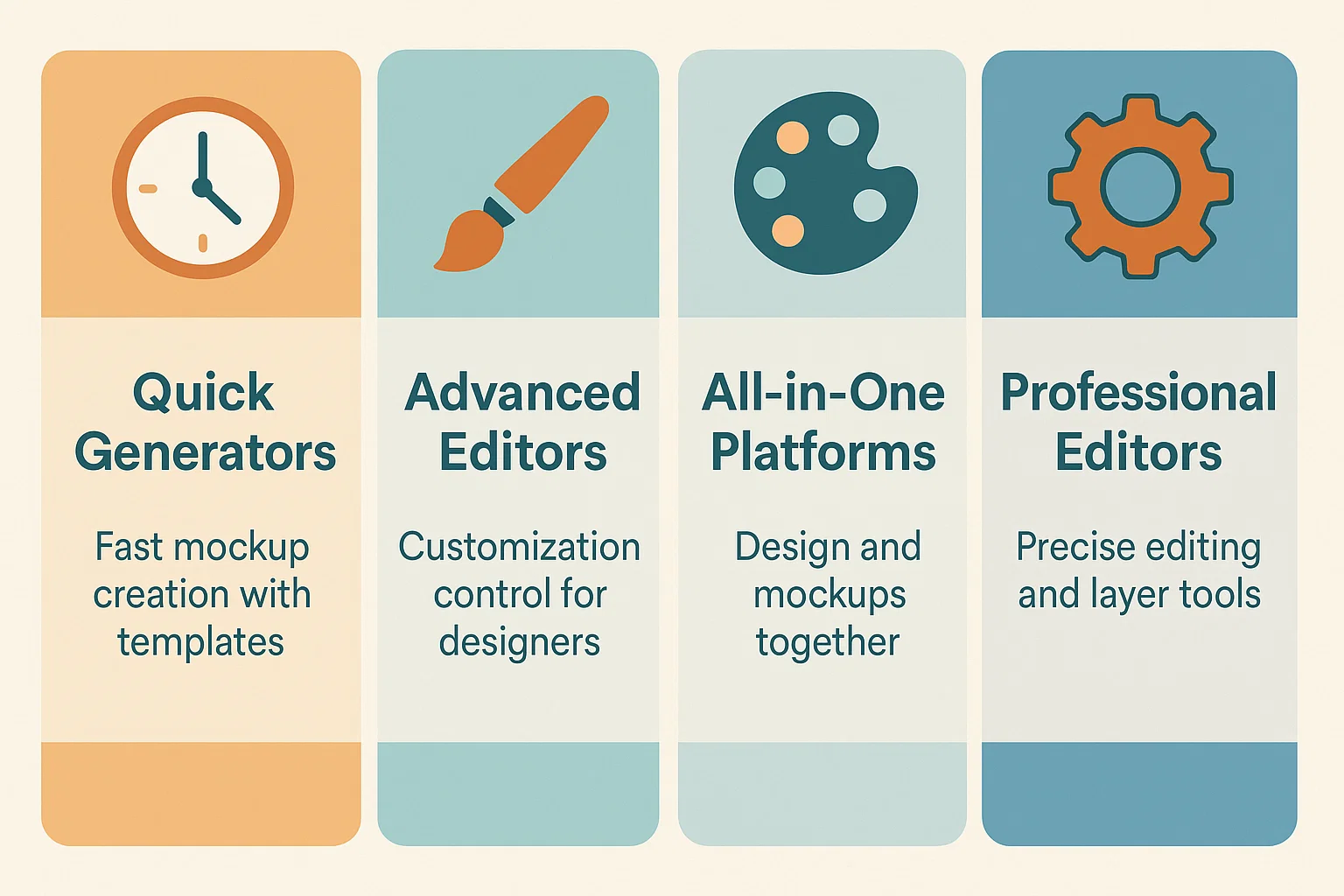
Among all AI tools for creating Etsy product mockups, Smartmockups stands out as one of the easiest options for beginners. It requires no design experience or technical background. This makes it perfect for new Etsy sellers who just want to create professional images quickly. You simply upload your artwork, choose your product type (such as a mug, t-shirt, poster, phone case, or canvas), and within about 30 seconds, you can download a high-quality mockup ready for your Etsy listing.
What makes Smartmockups especially appealing is its freemium model. You can create unlimited free mockups without any watermark. This is rare for a free mockup generator. Paid plans unlock advanced features like bulk processing and customizable backgrounds, but most Etsy sellers can easily manage with the free version. The mockups look realistic, with professional lighting and shadow effects that make your designs stand out. For the best results, always use high-resolution images (at least 300 DPI) to keep your Etsy product visuals sharp and polished.
2. Placeit: Premium Mockups with Animation Options
If you’re looking for more creative control and are ready to invest in your store’s visuals, Placeit is one of the top AI tools for creating Etsy product mockups in 2026. It offers a massive library of more than 50,000 templates across categories like apparel, home décor, digital art, and tech accessories. What makes Placeit unique is its video mockups and animation options. These can take your listings to a new level of professionalism, especially when used for social media promotions.
The platform’s interface is straightforward. You can easily add text, graphics, and logos. Adjust colors and preview your edits instantly. Placeit offers a subscription model with prices ranging from $12 to $99 per month, based on your usage and business scale. It’s best suited for high-volume Etsy sellers who upload new listings frequently. For those looking to scale their Etsy shop and maintain a cohesive brand look, the investment often pays for itself within just a few sales.
If you’re managing multiple products and want professional Etsy product mockups, investing in AI tools for creating Etsy product mockups often pays for itself quickly.
3. Canva: Design and Mockups in One
Canva is not exclusively a mockup generator, but it has become a favorite among Etsy sellers who want a complete design toolkit in one place. It lets you create artwork, generate product mockups, and design shop banners or marketing materials without switching between platforms. Canva’s mockup feature supports a range of product categories such as apparel, wall art, and drinkware. Although its mockup library is smaller than Placeit’s, the strength lies in its seamless integration.
Canva allows you to sync your assets across your Etsy shop, social media, and email campaigns. This ensures brand consistency everywhere. Its Canva Plus plan costs $13 per month and includes unlimited mockups, a brand kit for your shop identity, and access to millions of design assets. For Etsy sellers who prefer doing their own creative work, Canva serves as one of the most versatile AI tools for creating Etsy product mockups. It simplifies the entire design and mockup process from start to finish.
4. Photopea: For Designers Who Want Control
Photopea is ideal for Etsy sellers or designers who want more control over every design detail. It’s a web-based editor that closely mirrors Photoshop, supporting PSD files directly and providing advanced editing tools for precise customization. While it’s not as quick as drag-and-drop mockup generators, it gives experienced sellers complete flexibility over every layer, shadow, and color tone.
Photopea is free to use with optional paid upgrades. This makes it a budget-friendly choice for Etsy sellers who already understand design workflows. It’s especially useful for those creating complex product visuals or editing templates downloaded from other sources. Many Etsy designers also use Photopea as an alternative when Photoshop licenses become too expensive. Although it requires a bit of practice, the results are highly professional. You get pixel-perfect mockups that help elevate your product presentation and overall Etsy branding.
How to Choose the Right AI Tools for Creating Etsy Product Mockups
The right mockup tool depends on three key factors: your budget, your design comfort level, and your overall sales volume. Understanding which AI tools for creating Etsy product mockups fit your specific needs will help you make the best investment for your business.
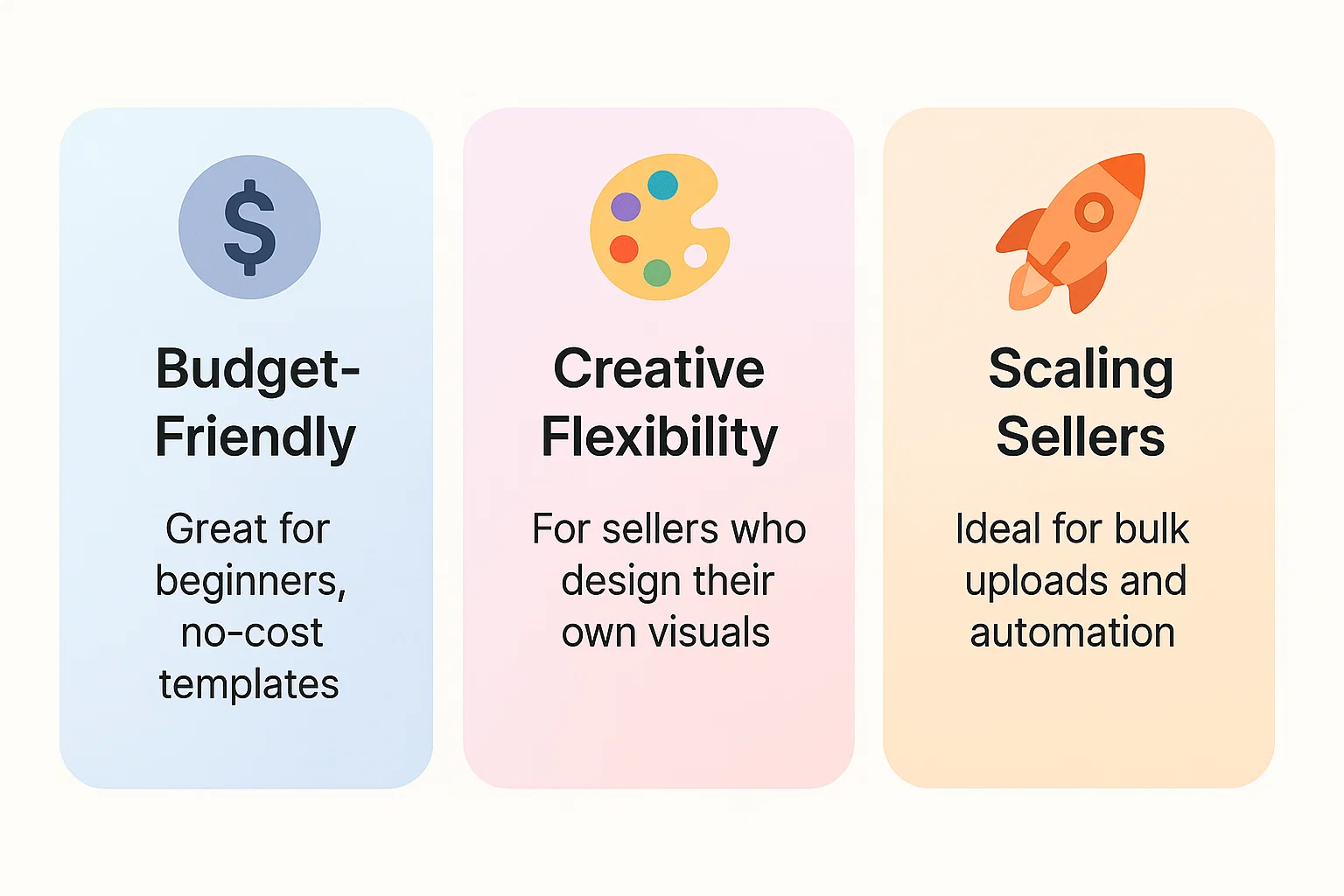
Speed is everything for high-volume sellers. If you are uploading dozens of products every month, tools like Smartmockups with its free plan or Placeit with bulk processing can help you save hours every week. That extra time allows you to focus on creating more listings. This directly leads to greater visibility and higher sales potential.
Design flexibility matters for brand consistency. Canva and Photopea are excellent for this because they allow you to adjust colors, backgrounds, and layouts to match your brand’s aesthetic. Maintaining a consistent visual theme helps customers remember your shop. It builds trust that encourages repeat purchases.
Budget constraints are real for new sellers. If funds are limited, start with a free tool like Smartmockups. Once your shop starts earning steady sales, you can reinvest some of that revenue into premium AI tools for creating Etsy product mockups like Placeit or Canva Plus for more features and flexibility. This gradual upgrade approach helps you grow sustainably without overspending early on.
Ready to save time and scale your Etsy shop without constant manual uploads? Our Etsy automation services help sellers streamline mockups, product updates, and daily operations.
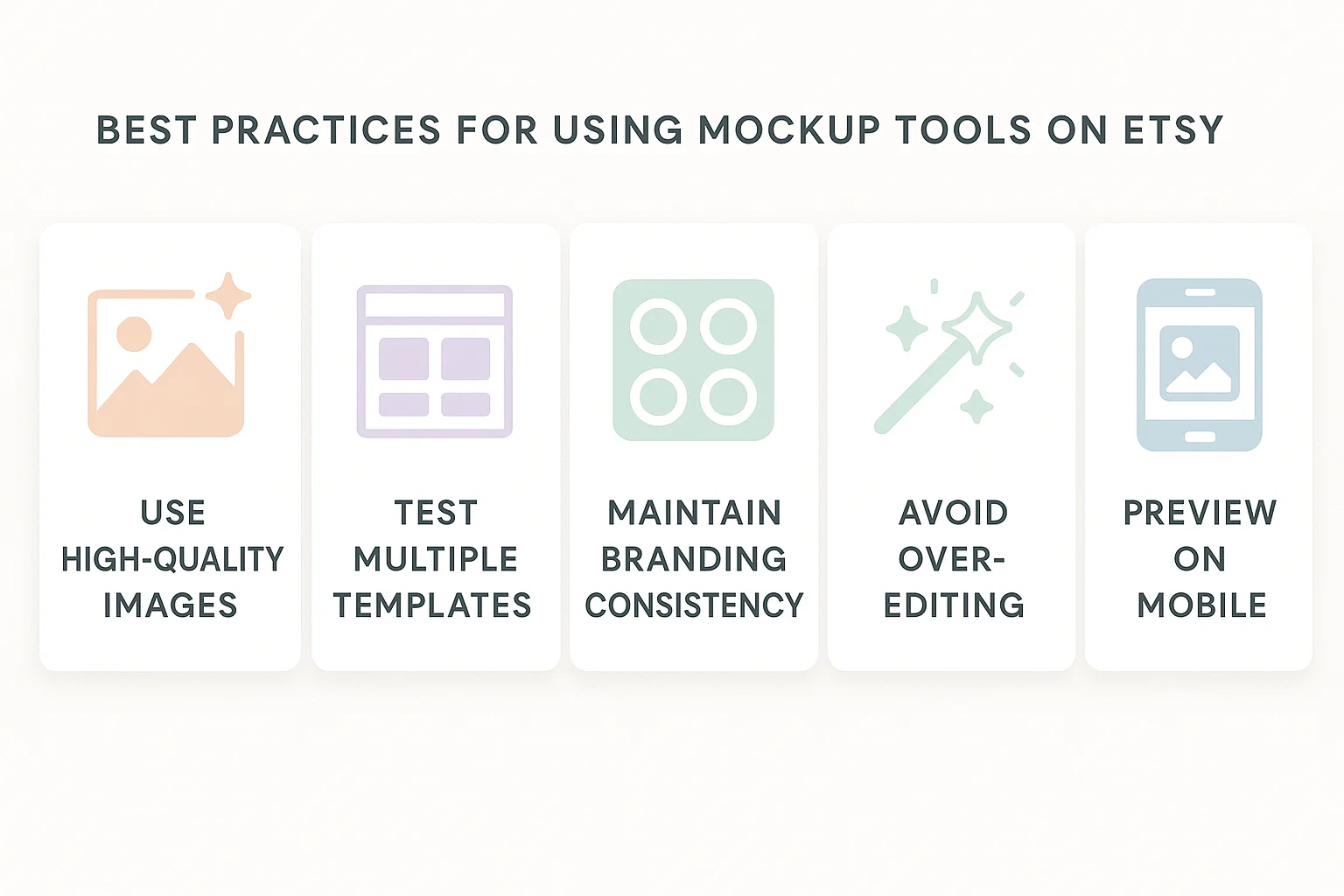
Best Practices for Using AI Tools for Creating Etsy Product Mockups
Once you have picked your preferred AI tools for creating Etsy product mockups, applying a few smart practices can make a noticeable difference in how your listings perform. These best practices ensure you get the maximum value from your chosen mockup tools.
Use High-Quality Source Images
This part cannot be overlooked. The clarity of your mockup depends entirely on the quality of your original design. Studies show that high-quality product photos have a 94% higher conversion rate than low-quality photos. If your artwork is blurry or saved in low resolution, even the best AI tools for creating Etsy product mockups cannot fix it. Always export your designs at a minimum of 300 DPI or use scalable formats like SVG or PDF whenever possible. Crisp, sharp images look professional and instantly elevate your listings.
Test Multiple Templates and Mockup Styles
Not every design looks good on the same template. Some products, like minimalist prints, appear more appealing on plain white backgrounds. Colorful or bold designs might shine on textured or vibrant surfaces. Spend a little time experimenting with different AI tools for creating Etsy product mockups to see which ones best highlight your work. Small adjustments can completely change the perceived value of a product.
Maintain Consistent Branding Across Mockups
When your shop offers multiple products, consistency becomes your strongest visual asset. Keep your colors, typography, and background style uniform across all listings. Even subtle repetition creates a recognizable aesthetic. This makes your shop feel more professional and cohesive. This level of consistency often increases buyer confidence and conversion rates with realistic mockups for Etsy products.
Avoid Over-Editing
It’s easy to get carried away when editing mockups, but restraint usually pays off. Overusing effects like shadows, glows, or filters can make your mockup look unrealistic or overly stylized. The goal is to showcase the actual product in the customer’s hands. Avoid making it look digitally enhanced. Clean, natural-looking mockups typically perform best and help customers trust what they see.
The Cost Comparison: Free vs. Paid Etsy Mockup Tools
Let’s break down what you’re actually paying for when you upgrade from free to premium Etsy mockup tools.
| Feature | Smartmockups (Free) | Canva Plus | Placeit | Photopea |
|---|---|---|---|---|
| Price | Free | $13/month | $12–$99/month | Free (optional paid) |
| Template Library | 500+ | 1,000+ | 50,000+ | Custom uploads |
| Bulk Processing | Limited | Yes | Yes | No |
| Watermark | None | None | None | None |
| Customization | Basic | Advanced | Advanced | Professional |
| Learning Curve | Beginner | Beginner | Beginner | Advanced |
| Best For | Beginners | Designers | Volume sellers | Tech-savvy users |
Free tier mockup tools for Etsy usually come with a strong template library that includes over 100 mockup variations. You get unlimited downloads without watermarks and basic customization options. These AI tools for creating Etsy product mockups are ideal for new Etsy sellers looking to create professional product images without incurring additional costs. You give up advanced features and dedicated customer support, but the tradeoff is zero financial commitment. This is ideal when you are still testing products and learning the platform.
Paid tier tools, which generally cost between $10 and $30 per month, unlock a range of advanced features. These include bulk mockup processing, priority support, the ability to upload custom templates, and access to larger template libraries. If you create hundreds of mockups per month, the time saved with automation easily covers the subscription cost. Tools like Placeit and Smartmockups are among the most popular paid AI tools for creating Etsy product mockups. Etsy sellers choose them because they streamline production while maintaining consistent image quality with automated mockup tools for Etsy.
For the average Etsy seller creating around 10 to 20 new listings per month, free mockup tools usually offer everything you need to get started. However, sellers who manage 100 or more listings per month often see significant benefits from upgrading to paid versions. With batch processing and faster exports, premium AI tools for creating Etsy product mockups can handle volume efficiently. You focus on improving your listings or optimizing your Etsy SEO strategy.
According to Business of Apps, successful Etsy shops typically have over 150 active listings. Top sellers frequently add or refresh products every week. At that scale, spending about $20 per month on a premium mockup tool becomes a small yet smart investment. The time you save quickly translates into more listings, more visibility, and ultimately more sales for your Etsy shop.
Common Mistakes Etsy Sellers Make with AI Tools for Creating Etsy Product Mockups
Ignoring Mobile Preview
Ignoring how your Etsy product mockup tools render on mobile devices is one of the biggest mistakes sellers make. Around 65% of Etsy searches now happen on phones or tablets. Your listings must look just as clean and professional on smaller screens as they do on desktop. A mockup that looks perfect on a large monitor might appear cluttered or unclear on mobile. Always take a moment to preview your listings on multiple devices before publishing.
Using Unrealistic Mockup Styles
Overly stylized templates can hurt your conversions. Many Etsy mockup templates feature unnecessary props or heavy filters that distract from the actual product. Instead, use realistic mockups for Etsy products that clearly show what the buyer will receive. Research indicates that 90% of buyers consider product visuals the most important factor when making a purchase decision online. Shoppers trust visuals that feel authentic. That trust directly impacts whether they click the Add to Cart button.
Forgetting About Lighting and Shadows
Lighting and shadows are another area where many sellers slip up. A good mockup reflects realistic lighting and natural shadow placement. Although most AI tools for creating Etsy product mockups automate this process, manual adjustments can sometimes make images appear artificial. Avoid strong drop shadows or mismatched highlights. Keep it natural to maintain a true-to-life product look.
Reusing the Exact Same Mockup Style for Every Listing
Using the same mockup for every listing can make your Etsy shop feel repetitive and limit your visibility in search results. Etsy’s algorithm values diversity and freshness. Vary your mockup styles while keeping your branding consistent. This approach signals that you are actively maintaining your shop. It can improve ranking and click-through rates.
Integrating AI Tools for Creating Etsy Product Mockups into Your Shop Strategy
Mockups are only one piece of your overall Etsy business strategy. They help attract clicks, but long-term growth depends on other key factors like pricing, branding, and supplier reliability. By combining realistic mockups with optimised Etsy product descriptions, strategic pricing, and a consistent store identity, you can build trust and drive conversions.
Many successful Etsy sellers also pair mockup automation with strong fulfillment strategies. Learning how to find reliable dropshipping suppliers enables sellers to manage orders efficiently. This allows them to focus on creativity and marketing. Think of your AI tools for creating Etsy product mockups as your visual sales pitch. They get the click, while your descriptions, pricing, and customer service close the sale.
With Etsy reporting over 95 million active buyers as of 2026, the marketplace remains highly competitive. Sellers looking to automate their listings and reduce repetitive tasks can explore our detailed guide on Etsy automation services for 2026 to understand how automation supports steady growth without extra workload.
Final Thoughts: AI Tools for Creating Etsy Product Mockups Are Just the Beginning
Professional Etsy mockups are now a baseline expectation. Shoppers want to see clear, realistic images before they buy. Thanks to AI tools for creating Etsy product mockups, you can create those visuals without hiring designers or using complicated software. The specific tool you choose matters less than your consistency. Pick one today, start creating mockups for your existing listings, and make it a routine task as you add new products.
Over time, your mockups will help define your shop’s visual identity. This consistency fosters recognition and trust, two key qualities that drive repeat customers. Sellers who treat their Etsy shop like a business focus on the essentials: high-quality products, professional visuals, clear descriptions, and great service.
Your next step is simple. Choose reliable AI tools for creating Etsy product mockups, update your top 10 listings with new visuals, and track the difference in clicks and conversions over the next two weeks. You’ll quickly see how much professional Etsy product mockups can elevate your Etsy shop and move your business toward consistent sales.
FAQs: AI Tools for Creating Etsy Product Mockups Answered
Q: Can I use AI tools for creating Etsy product mockups for commercial use on Etsy?
A: Yes, absolutely. Free and paid AI tools for creating Etsy product mockups are licensed for commercial use on Etsy and other e-commerce platforms. You own the final image once it’s generated. Just verify the terms of service for your specific tool, but this is standard across the board. Most AI tools for creating Etsy product mockups explicitly allow commercial use in their free tiers, specifically to support small business owners.
Q: How much does it cost to start using AI tools for creating Etsy product mockups?
A: Zero dollars if you stick with free tools like Smartmockups. There’s no financial barrier to entry. Paid options range from $10–$30 monthly for premium features, but they’re optional, not required. Many sellers run successful shops indefinitely using only free Etsy mockup creation tools, with the only downsides being limited template variety.
Q: Do AI tools for creating Etsy product mockups actually improve sales?
A: Professional mockups improve click-through rates and conversion rates, yes. According to ecommerce research, product listings with professional mockups demonstrate significantly higher engagement. Studies show products with professional-quality photos see a 33% higher conversion rate on average than those with low-quality images. However, mockups alone don’t guarantee sales. Your product descriptions, pricing, reviews, and shop reputation matter equally, if not more.
Q: What file formats do AI tools for creating Etsy product mockups accept?
A: Most AI-powered Etsy mockup tools accept PNG, JPG, and PDF files. Some accept SVG, which is ideal for scalable designs. Upload your design in whatever format your tool supports. Always start with high-resolution files (300 DPI or higher) for the clearest results. Vector files are preferred when available because they scale infinitely without losing quality.
Q: Can I create animated mockups with AI tools for creating Etsy product mockups?
A: Etsy doesn’t support animated images in the main product listing images. However, you can use animated mockups for your shop banner, promotional graphics, and social media content. Tools like Placeit and Canva support GIF and video mockup formats. These are ideal for Instagram, Pinterest, and TikTok marketing. For Etsy itself, stick with static mockup images.
If you are serious about taking your Etsy shop to the next level, contact us through our contact page to discuss personalized automation strategies tailored to your store goals.